

- Open Pipelines with your project selected.
- Select New pipeline, enter a name, and select Create pipeline.
- Choose a data feed or project file as your source.
- Use the + on a node to add a step, such as Clean, Filter, or Group By. Select the node to configure it.
- To combine sources, use Add source, then add a Join step and choose the inputs and matching columns.
- Select a step and choose Run to here to check its rows in the preview.
- Add a Pipeline Output node at the end of a branch. Select it and choose Create artifact to save an output version.
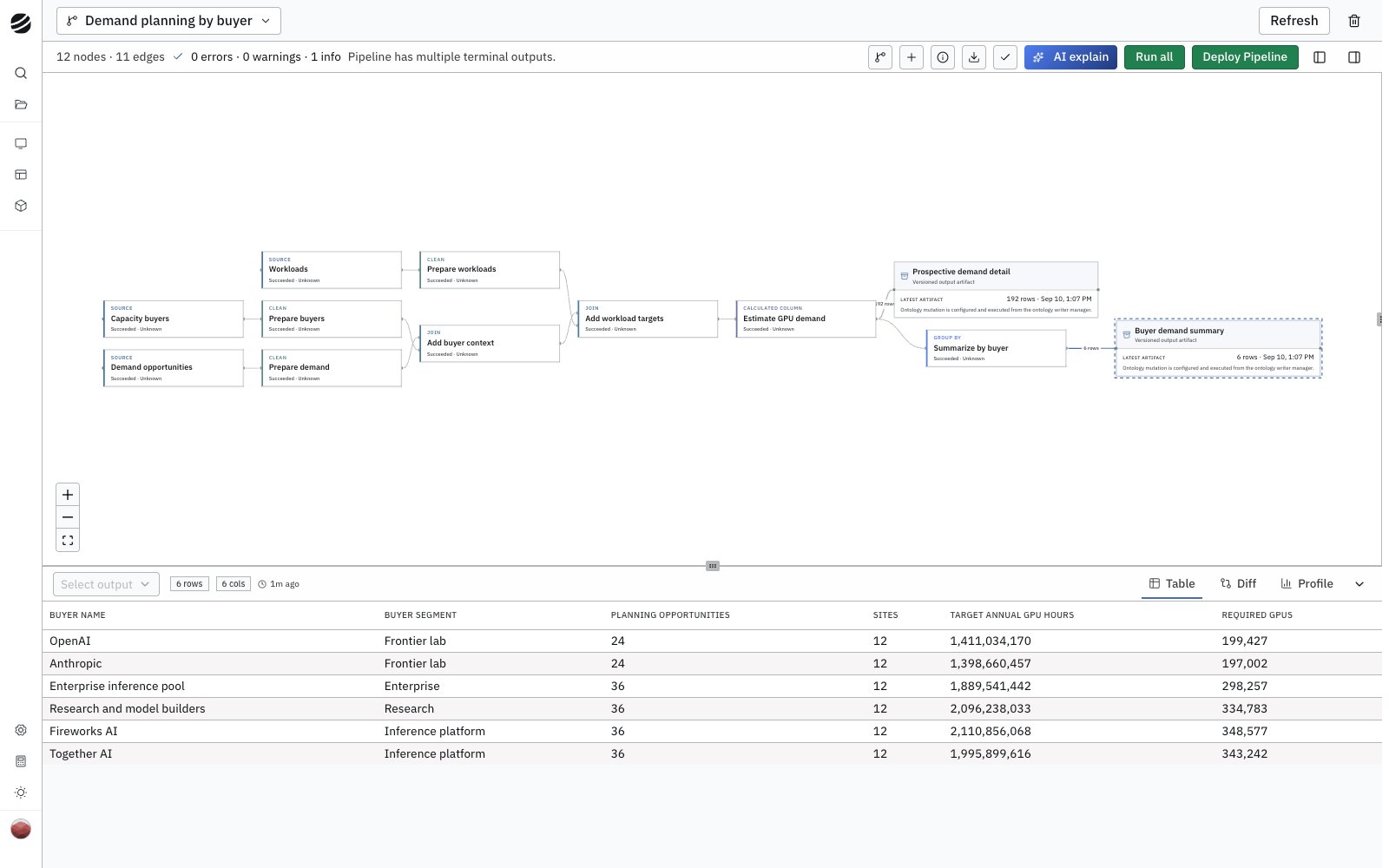
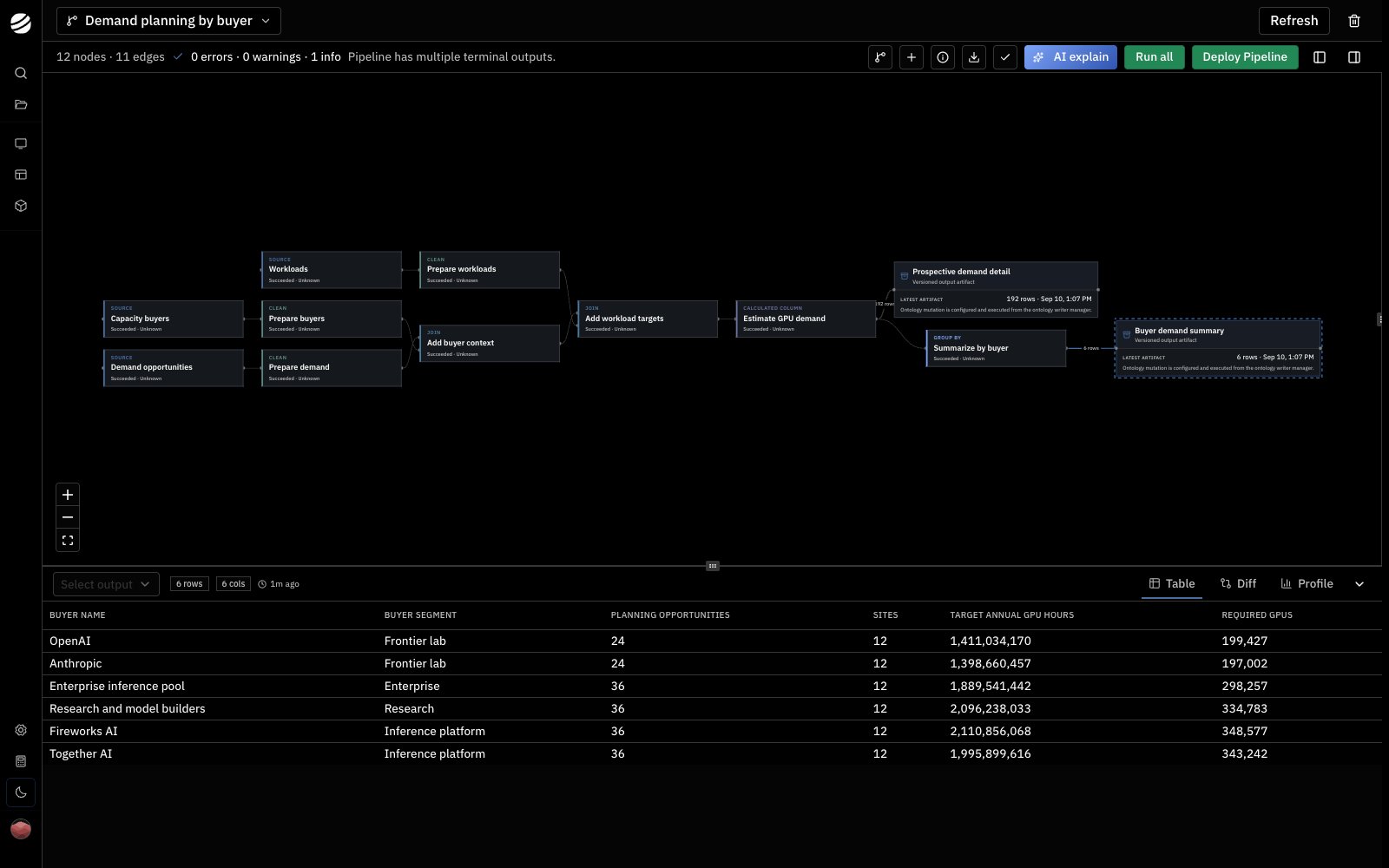
Node types
Select the info icon (Node guide) in the pipeline toolbar for options and examples.