

- Open Data Feeds with your project selected.
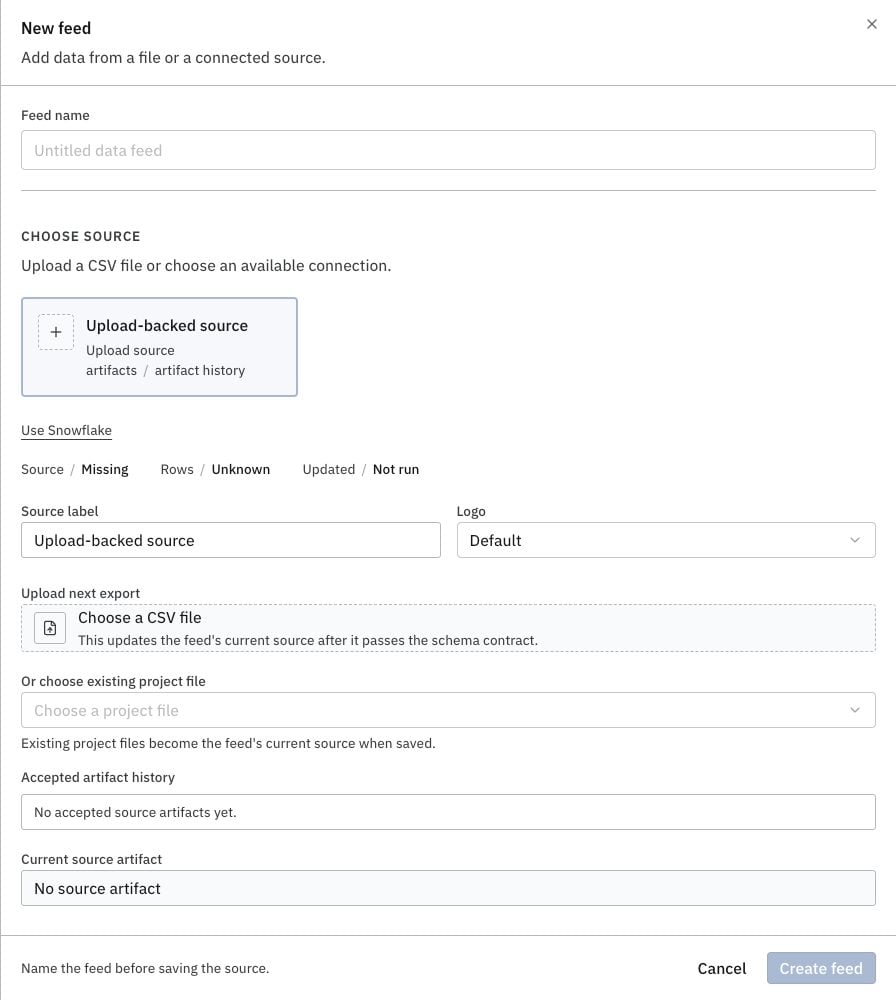
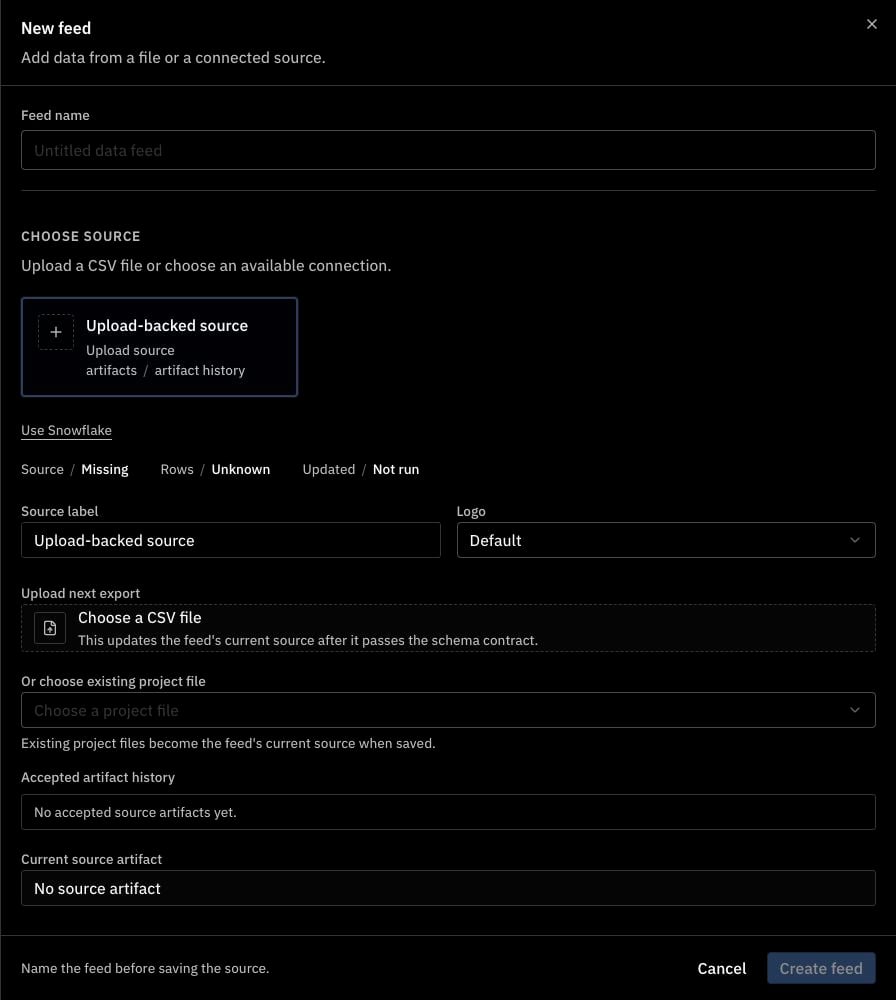
- Select New feed and enter a name.
- Follow the steps for your source below.
Upload a CSV
Use a CSV file with column headings.- Choose Upload-backed source, then Choose a CSV file.
- Select your file, then select Create feed with current source.
Use an existing project file
- Choose Upload-backed source.
- Select your CSV under Or choose existing project file, then select Create feed.
Use a connection
Connect your source and add it to the project first. Available sources depend on the connections that support data feeds.- Choose your connection and select a Resource.
- Complete the source fields, then select Create feed and refresh source.