Each Cord project has a full file system for your documents and data. You can organize files into folders and subfolders, browse their contents, and preview or download files.
  1. Open Files with your project selected.
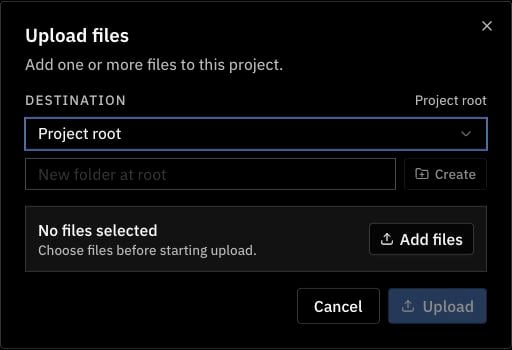
  2. Select Upload and choose a Destination. Leave Project root selected to store files outside a folder.
  3. Select Add files and choose the files on your computer.
  4. Select Upload. Your files appear in the selected destination.
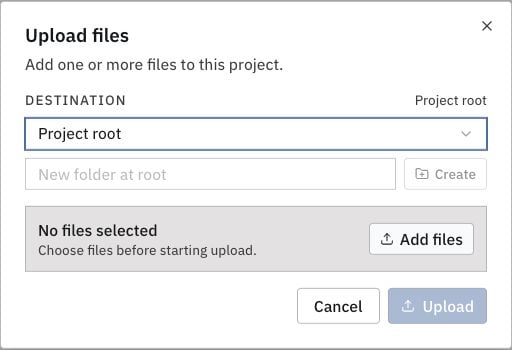
Upload files dialog with destination and file selection controlsUpload files dialog with destination and file selection controls
To use a CSV in your ontology, create a feed from the project file.