

Run with saved inputs
- Open Functions and select a function.
- Check Code version and Saved inputs. Choose the version and setup you need if several are available.
- Select Refresh. Open Runs to follow its status and select the completed run to view its outputs.
Change an assumption
- Open Runs → Run with custom inputs.
- Change the input values. For example, set the demand factor to
1.1to model 10% higher demand. - Select Refresh inside the form, then open the completed run.
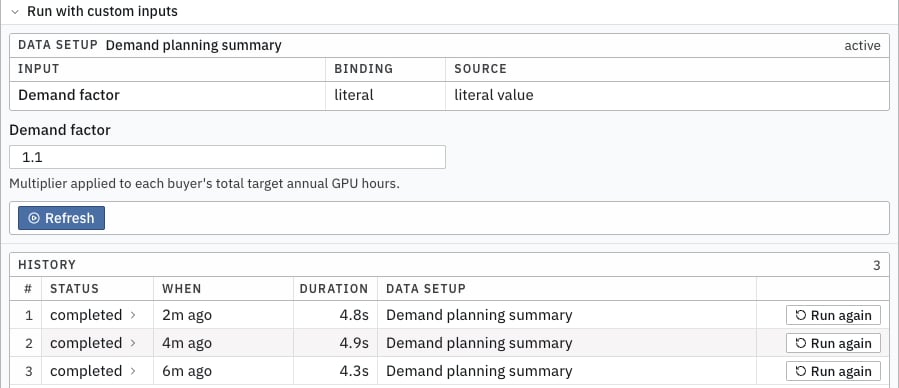
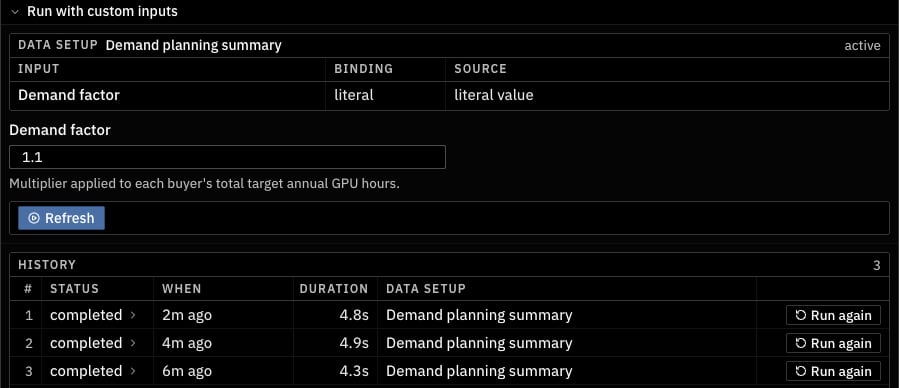
Change the demand factor before refreshing the function.
Refresh related functions
When the function has dependencies, the refresh menu lets you choose what runs:
Only options that apply to the selected function appear.