

Open a result
- Open Functions and select a function.
- Use Overview for the latest output, or Runs to select a specific run.
- Select a table’s name to open its rows and columns.
Trace an output
- Open Audit. Choose Current setup to inspect the selected configuration, or Saved run for the selected setup’s latest successful run.
- Choose an output table if needed, then search for a property in Find a property….
- Read its meaning and underlying object properties. Expand the row to see how the value is worked out.
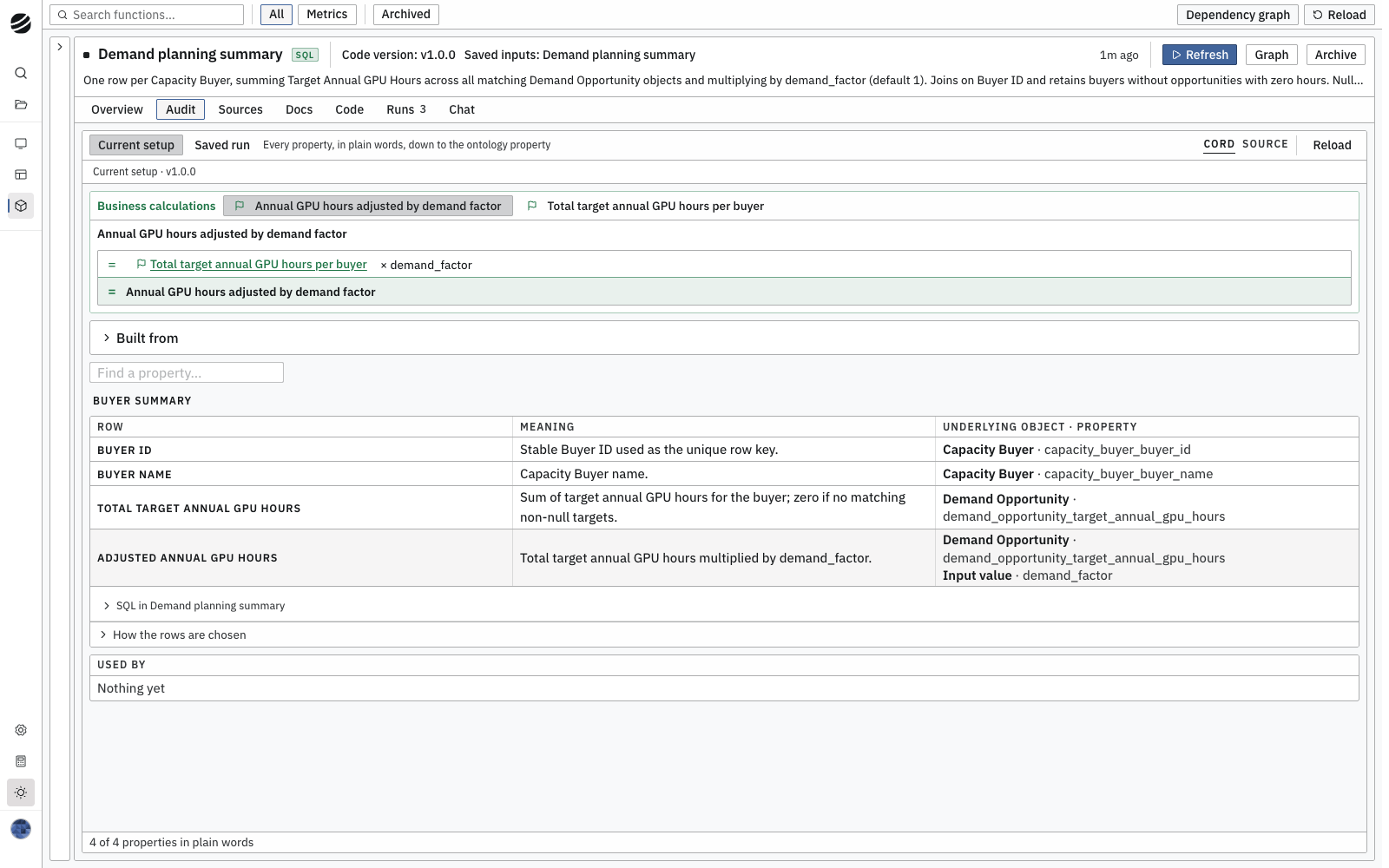
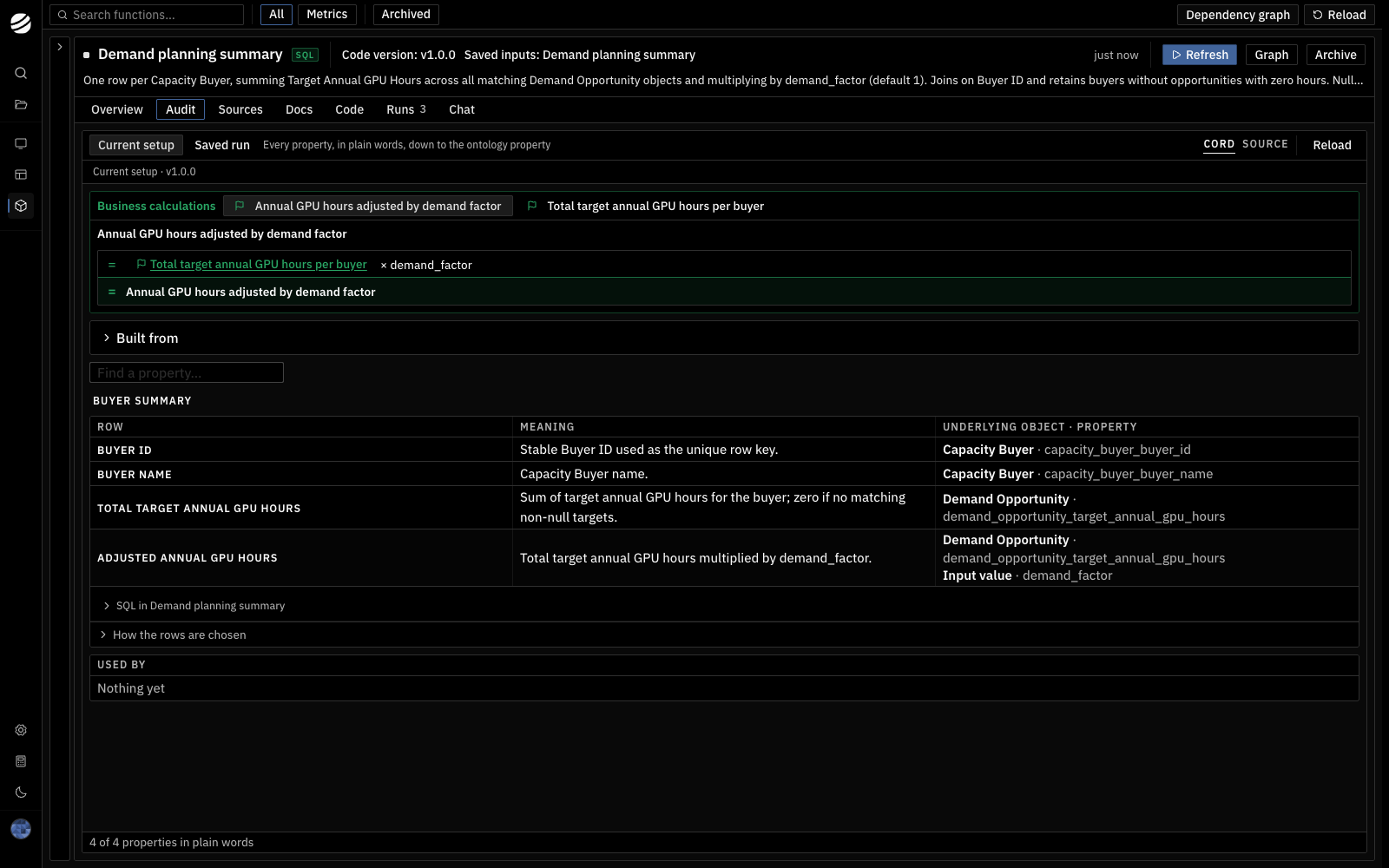
Audit traces output properties to the ontology and input values.