> ## Documentation Index
> Fetch the complete documentation index at: https://docs.cord.nyc/llms.txt
> Use this file to discover all available pages before exploring further.
> ## Agent Instructions
> You are helping someone use Cord, the capital and resource allocation platform.
> Use title-case Cord in prose. Prefer workspace, project, ontology, lineage, scenario, and allocation.
> Say source-backed or sourced for answers with lineage. Do not say hallucination-free.
> Product URLs are https://app.cord.nyc, https://cord.nyc, and https://trust.cord.nyc. Support is support@cord.nyc.
> Give concrete product steps. Do not invent UI labels, CLI commands, or unreleased agent runtime details.
> Use Understanding Cord for concepts and Guides for task steps.
# Inspect function results
> Review a saved result and trace how the function produced it.
Don't want to do this all manually?
Cord Computer can do this for you.
For background, see [Functions overview](/functions-overview).
## Open a result
1. Open [**Functions**](https://app.cord.nyc/functions) and select a function.
2. Use **Overview** for the latest output, or **Runs** to select a specific run.
3. Select a table's name to open its rows and columns.
In a saved run, check its status, time, version, and data setup. Under **Resolved inputs**, select **Load** to see the inputs recorded for that run.
## Trace an output
1. Open **Audit**. Choose **Current setup** to inspect the selected configuration, or **Saved run** for the selected setup's latest successful run.
2. Choose an output table if needed, then search for a property in **Find a property…**.
3. Read its meaning and underlying object properties. Expand the row to see how the value is worked out.
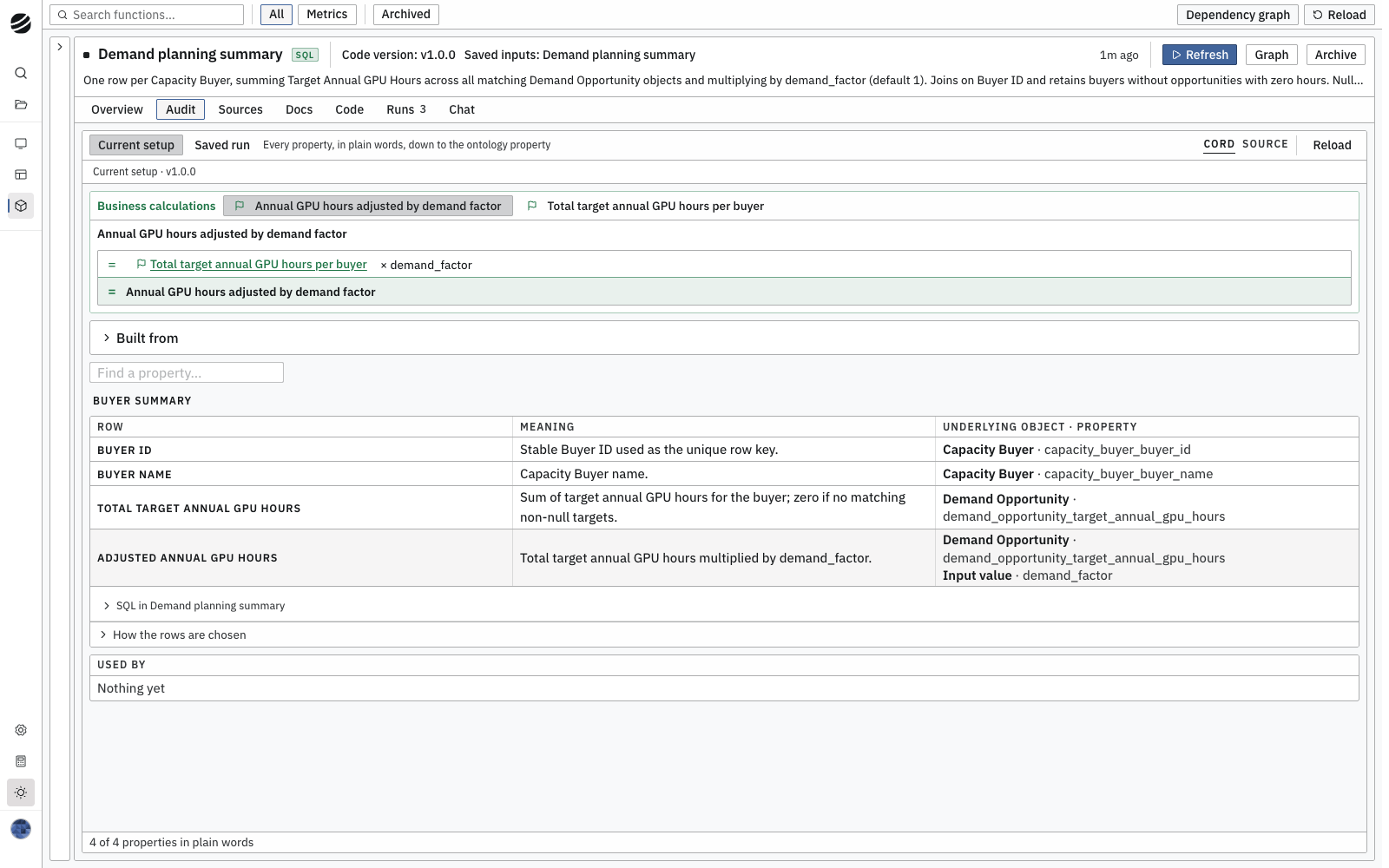
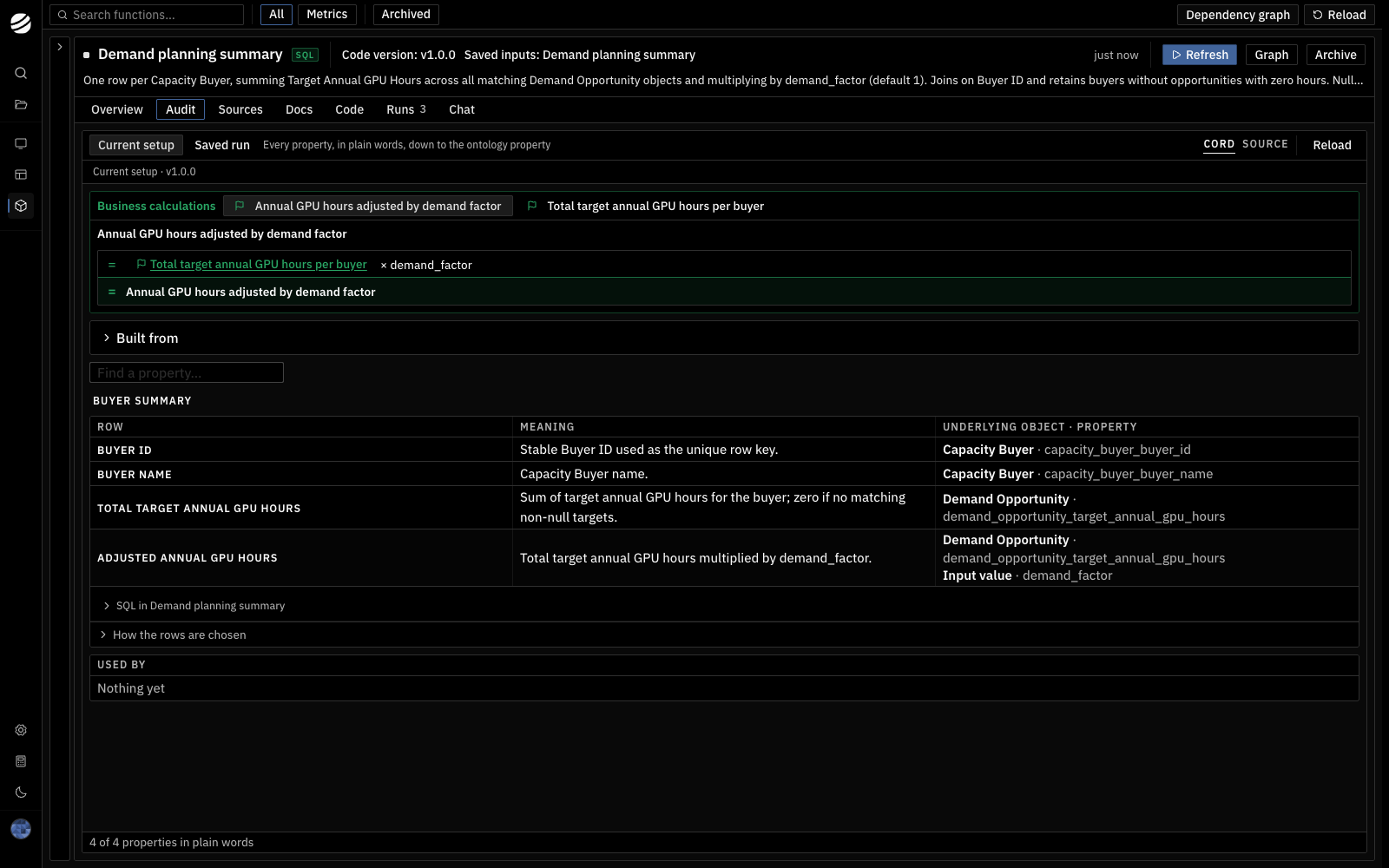 Use **Sources** to see the function's input bindings and dependencies, **Docs** for attached documentation and files, and **Code** for the implementation.
For help interpreting a result, open **Chat** and ask about the output and run you are reviewing.
Use **Sources** to see the function's input bindings and dependencies, **Docs** for attached documentation and files, and **Code** for the implementation.
For help interpreting a result, open **Chat** and ask about the output and run you are reviewing.