> ## Documentation Index
> Fetch the complete documentation index at: https://docs.cord.nyc/llms.txt
> Use this file to discover all available pages before exploring further.
> ## Agent Instructions
> You are helping someone use Cord, the capital and resource allocation platform.
> Use title-case Cord in prose. Prefer workspace, project, ontology, lineage, scenario, and allocation.
> Say source-backed or sourced for answers with lineage. Do not say hallucination-free.
> Product URLs are https://app.cord.nyc, https://cord.nyc, and https://trust.cord.nyc. Support is support@cord.nyc.
> Give concrete product steps. Do not invent UI labels, CLI commands, or unreleased agent runtime details.
> Use Understanding Cord for concepts and Guides for task steps.
# Functions overview
> Understand how Cord turns your data and assumptions into reusable results.
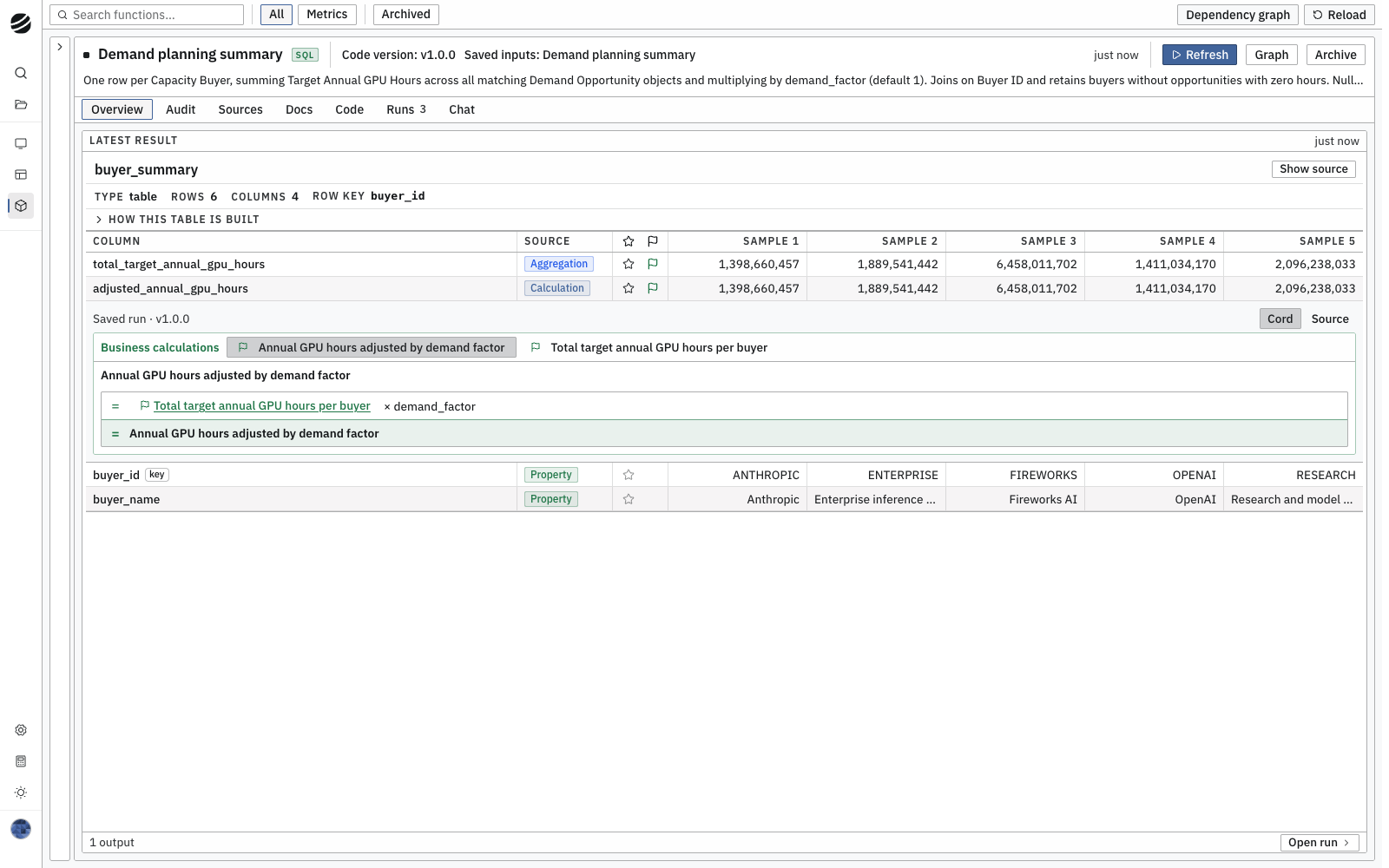
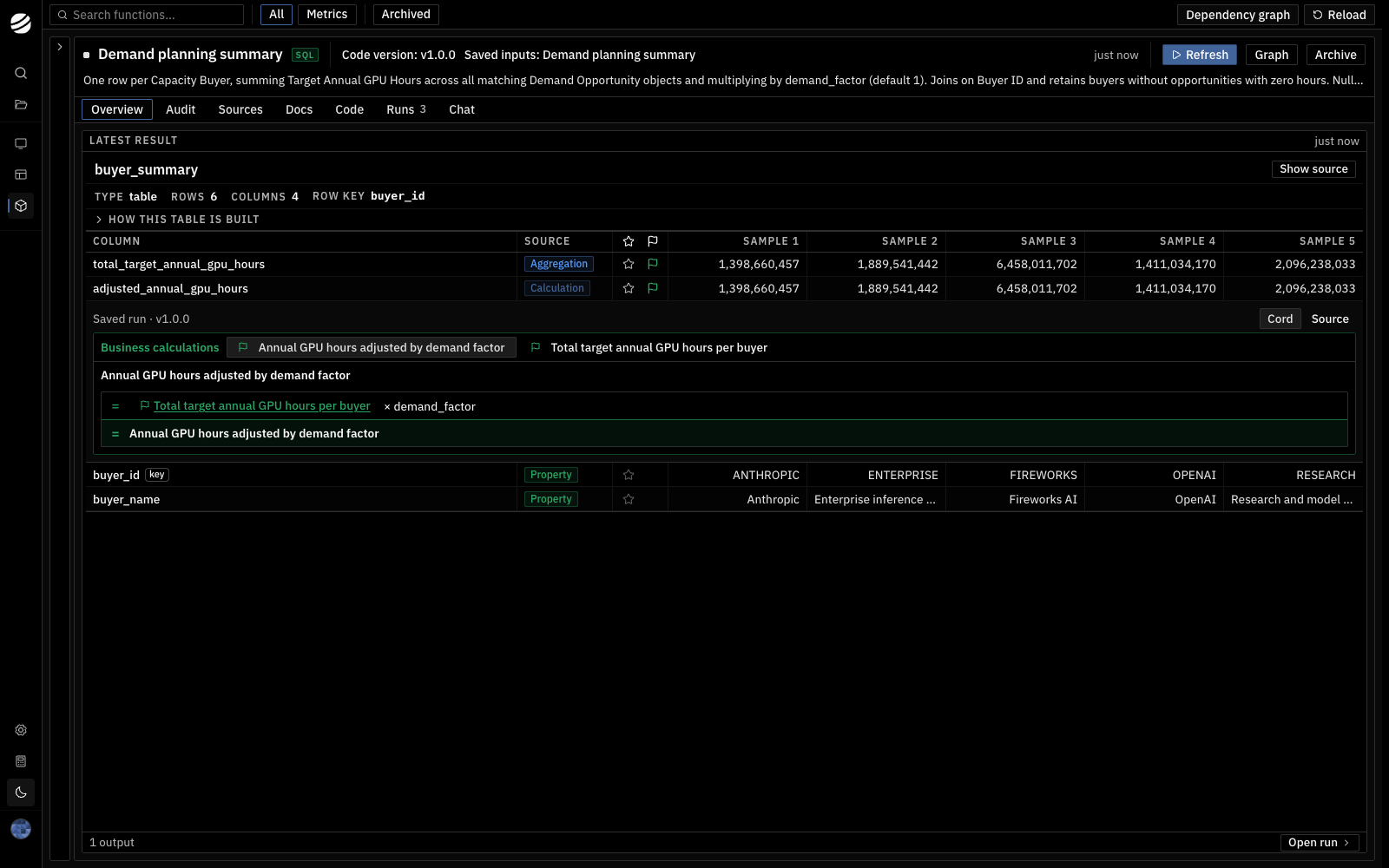
A function is saved business logic. It reads data, applies rules, and produces results you can rerun or use in an app. For example, a demand planning function can total each buyer's target GPU hours and apply a growth assumption.
| Term | Meaning | Example |
| ---------- | ----------------------------------------------------------------------------------------- | ------------------------------------------------------------- |
| Function | The logic and its version. | Sum target GPU hours by buyer. |
| Data setup | Saved sources and default input values. Shown as **Saved inputs** in the function header. | Demand Opportunity, Capacity Buyer, and a demand factor of 1. |
| Run | One execution with a record of its inputs and results. | Run with a demand factor of 1.1. |
| Output | A result from a run, such as a table or value. | Target and adjusted GPU hours for each buyer. |
A function can read your ontology or outputs from other functions. Inputs let you change assumptions without rewriting its logic.
 ## From ontology to apps
Ontology data + inputs → function run → saved outputs → apps or other functions
Apps use these outputs for tables, charts, and decisions. **Audit** explains how output fields are derived and traces them to source properties.
## Choose a guide
* [Create a function](/create-function)
* [Run a function](/run-function)
* [Inspect function results](/inspect-function-results)
For worked examples, see [Understanding Cord: Functions](/understanding-cord/functions).
## From ontology to apps
Ontology data + inputs → function run → saved outputs → apps or other functions
Apps use these outputs for tables, charts, and decisions. **Audit** explains how output fields are derived and traces them to source properties.
## Choose a guide
* [Create a function](/create-function)
* [Run a function](/run-function)
* [Inspect function results](/inspect-function-results)
For worked examples, see [Understanding Cord: Functions](/understanding-cord/functions).